
ADHD Planner for Adults: How to Choose One You’ll Actually Use
Most adults with ADHD have a drawer of abandoned planners. Each one started with neat handwriting and good intentions, and each one was gone by February. That isn’t a personal failing. Most planners are designed for brains that remember to open them, enjoy long to-do lists and feel time passing. An ADHD planner is built for the opposite.
This guide explains what makes a planner ADHD-friendly, the features worth looking for, paper vs digital vs apps, and how to use a planner daily without it becoming another thing you feel guilty about. If you want to try one first, start with our free ADHD planner.
Quick answer: The best planner for adults with ADHD is simple, quick to open and forgiving when you miss days. Look for a daily Top 3 instead of a long to-do list, a brain dump page, loose time blocks, undated or easy-restart pages and as few sections as possible. A hyperlinked digital planner on a tablet works well for many people, because every page is one tap away and mistakes erase cleanly.
Why Regular Planners Fail With ADHD
- Too much space. A page with 15 lines invites a 15-item list you will never finish.
- Too many sections. Ten trackers and five goal pages become homework.
- Dated pages. Miss a week and the blank pages feel like proof you failed.
- Out of sight, out of mind. A planner in a bag doesn’t exist to an ADHD brain.
- No room for real life. Strict hour-by-hour layouts break the first time a day goes sideways.
These problems connect to common executive function challenges like working memory, time blindness and task initiation. A good ADHD planner works around them instead of pretending they don’t exist.
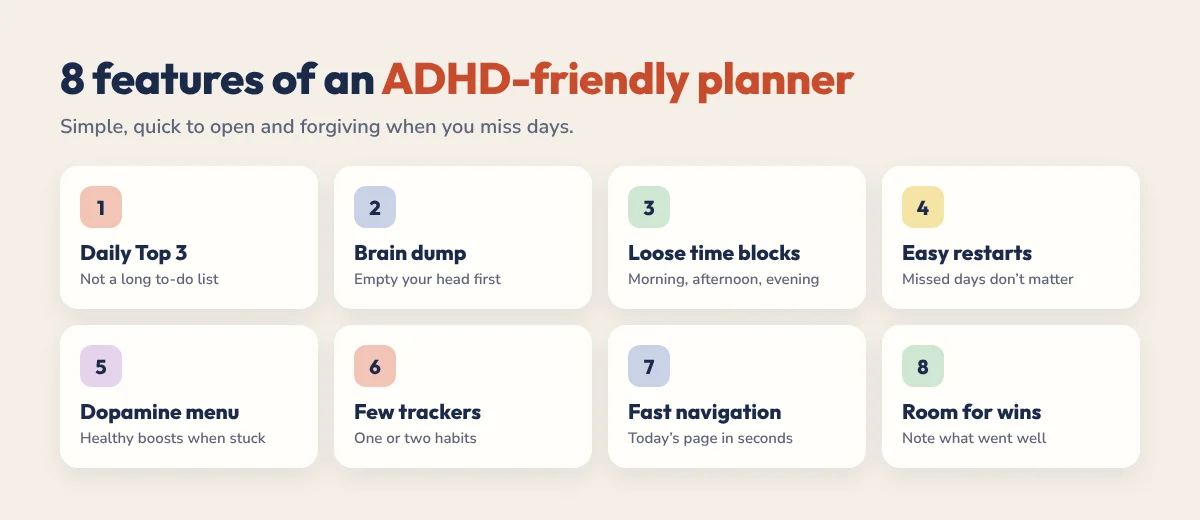
8 Features to Look For in an ADHD Planner
- A daily Top 3. Three priorities instead of an endless list.
- A brain dump page. Somewhere to empty your head before you plan.
- Loose time blocks. Morning, afternoon and evening, not 15-minute slots. See time blocking for ADHD.
- Easy restarts. Undated pages or a clear “start again here” point, so a missed week doesn’t end the habit.
- A dopamine menu. Quick, healthy boosts for when you’re stuck. Learn how in our dopamine menu guide.
- Few, simple trackers. One or two habits, not twenty.
- Fast navigation. If finding today’s page takes more than a few seconds, you’ll stop opening it.
- Room for wins. A small space to note what went well builds motivation. Women juggling work and home may also want an energy check; see our ADHD planner for women guide.
Paper, Digital or App: Which Is Best for ADHD?
| Type | Good for | Watch out for |
|---|---|---|
| Paper planner | Tactile, distraction-free, no screen | Easy to forget at home, messy when plans change |
| Digital planner (PDF on a tablet) | Handwriting plus hyperlinks, easy to erase and move | Needs a tablet and a note app |
| Planner app | Reminders, alerts, automatic scheduling | Notifications pile up, easy to ignore |
| Calendar only | Fixed appointments | Not built for priorities or brain dumps |
Many adults with ADHD use two tools: a calendar app for anything with a time and a reminder, and a planner for daily priorities and thinking. Our ADHD calendar guide shows how to set the calendar side up. If you like apps, see our roundup of time blocking apps for ADHD. If you plan on a tablet, our guide to the ADHD digital planner for iPad covers setup.
The Best Planner for ADHD, by Situation
There’s no single best planner for everyone with ADHD. The best one is the one that fits how your days actually go. Use this as a quick guide:
| If you… | Best choice | Why |
|---|---|---|
| Always have a tablet with you | A hyperlinked digital planner | One tap to today, easy to erase, nothing to forget at home |
| Want to try before you buy | A free ADHD planner like ADHD Lite | Test the daily layout for a few weeks at no cost |
| Hate screens or get distracted on devices | A simple undated paper planner | No notifications, and missed days don’t leave blank dated pages |
| Need reminders to start anything | A planner plus a calendar or task app | The app handles alerts, the planner handles priorities |
| Are a student | An academic planner with a timetable and deadline tracker | Built around semesters and due dates. See our study planner guide |
| Keep skipping days | A planner with a no-guilt restart | You pick up from today instead of facing a week of empty pages |
Whatever you choose, the daily page matters most. Our ADHD daily planner guide shows exactly what to put on it.
Why Hyperlinked Digital Planners Work Well for ADHD
- One tap to today. Tabs jump straight to the right page, so planning starts in seconds.
- Nothing to lose. Your planner lives on the tablet you already carry.
- Clean mistakes. Erase and move tasks without a messy page.
- Fresh starts. Duplicate a blank page whenever you need one.
Read more in why a hyperlinked digital planner works for ADHD.
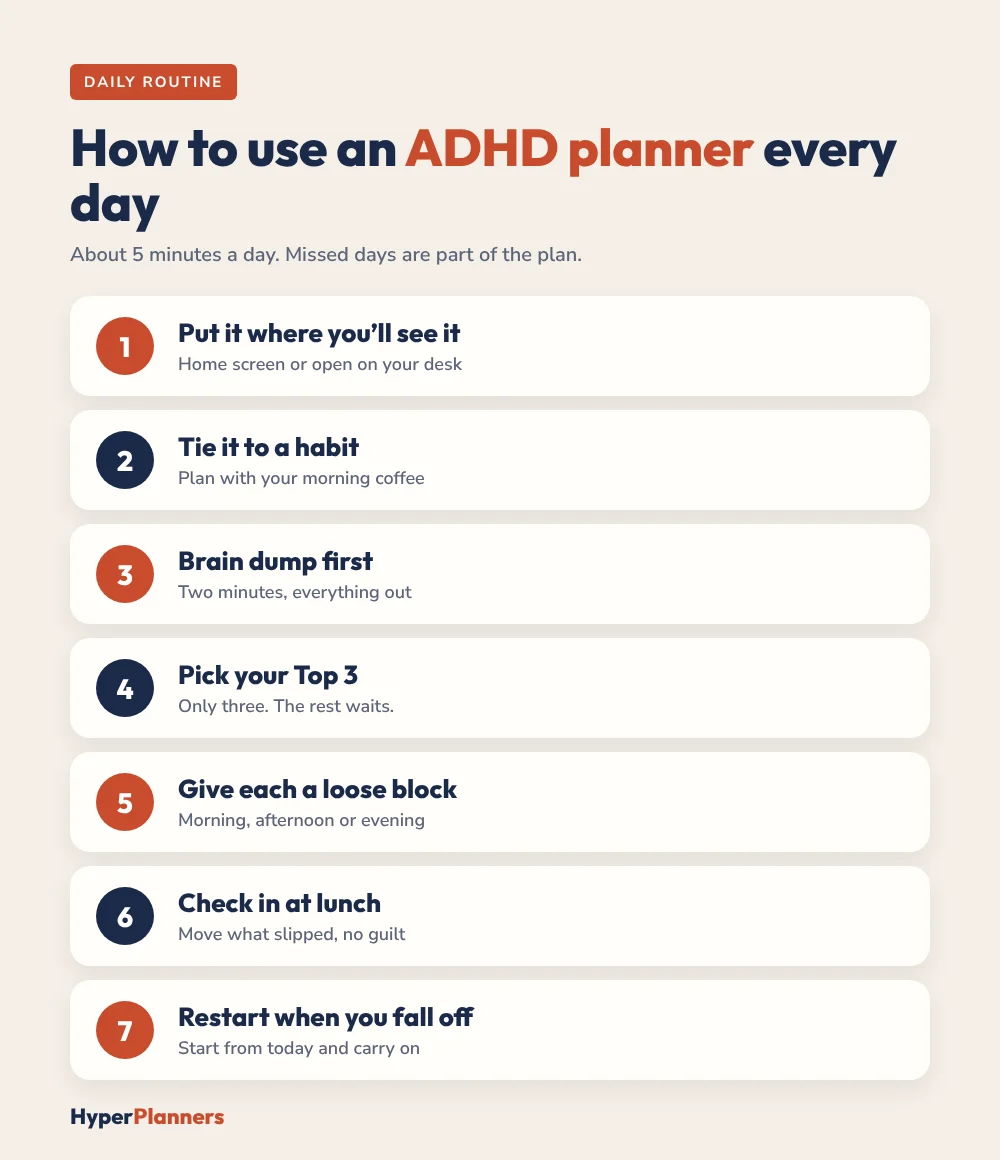
How to Use an ADHD Planner Every Day
- Put it where you will see it. Keep the planner app on your home screen or the notebook open on your desk.
- Tie it to an existing habit. Plan with your morning coffee or straight after you sit down at work.
- Brain dump first. Two minutes of writing everything down.
- Pick your Top 3. Only three. Everything else waits.
- Give each one a loose block. Morning, afternoon or evening.
- Check in once at lunch. Move what slipped. No guilt.
- Restart when you fall off. You will miss days. Open the planner, start from today and carry on.
For more on time, see our ADHD time management guide.
Common ADHD Planner Mistakes
- Buying the most complex planner. More sections means more to ignore. Start simple.
- Decorating instead of planning. Stickers are fun, but cap it at a few minutes.
- Tracking everything. Pick one habit to track, then add another later.
- Starting over with a new planner every month. Restart the same one instead.
The HyperPlanners ADHD Planner
We built our ADHD planner around everything above. Each day has a Top 3 instead of a to-do list, plus a brain dump, an energy check and a win of the day. It includes a dopamine menu, habit and mood trackers, budgets and a “Restart here, no guilt” button for the weeks you fall off.
- Free ADHD Lite: a 31-page hyperlinked planner for 2027, free on Gumroad.
- Full ADHD Planner: 490 hyperlinked pages for 2027 with 365 daily pages, 53 weeks and 12 months, 4 themes and 72 covers, from $19.
Both work in GoodNotes, Notability and any PDF app on iPad, Android and Windows tablets.
Ready for the full version? Get the ADHD Planner or compare all HyperPlanners planners.
Not sure which planner fits you? Take our free 60-second ADHD planner quiz and get a match, plus a free version to try first.
ADHD Planner FAQ
What is the best planner for adults with ADHD?
The best planner is one you will open every day. Look for a simple layout with a daily Top 3, a brain dump, loose time blocks and an easy way to restart after missed days. Many adults with ADHD prefer a hyperlinked digital planner on a tablet.
Is a digital or paper planner better for ADHD?
It depends on you. Paper is distraction-free, while digital planners are easier to carry, edit and navigate. If you always have your tablet or phone with you, digital is often easier to keep using.
What should an ADHD planner include?
A daily Top 3, a brain dump page, loose time blocks, a simple habit tracker, a dopamine menu and a way to restart without wasted pages.
How do I stick to a planner with ADHD?
Keep it visible, attach planning to a habit you already have, limit yourself to three priorities and restart on the same planner when you miss days instead of buying a new one.
Is there a free ADHD planner?
Yes. HyperPlanners ADHD Lite is a free 31-page hyperlinked planner for 2027 that works in GoodNotes, Notability and other PDF apps.
Start Simple
Pick a planner, use only the Top 3 for the first week and add one more feature when that sticks. A simple planner you use beats a perfect one in a drawer.