
Free Digital Planner 2027, Plus Early Access to HyperFokus
A hyperlinked 2027 PDF planner you can use today, or the HyperFokus app
with an AI focus coach built in. Try either, or both, completely free.
Free 2027 Digital Planner: Pick Your Style
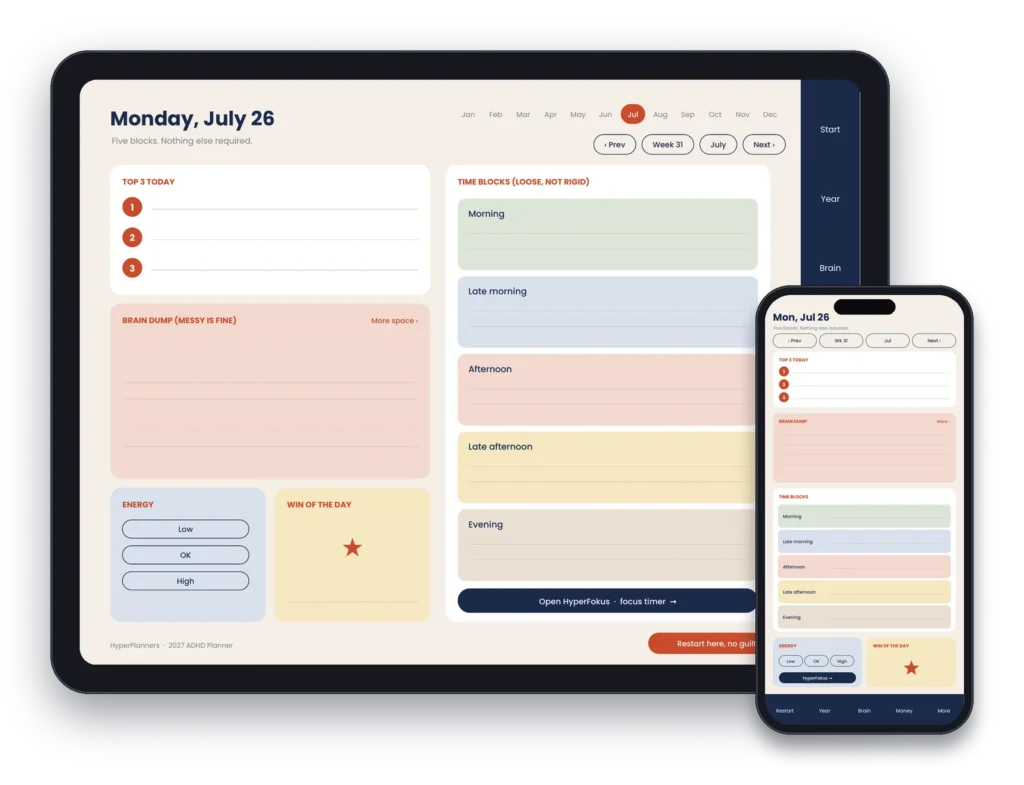
What’s Inside the Free 2027 Digital Planner


Get 2027 planning tips + new templates first.
What people say after trying it.
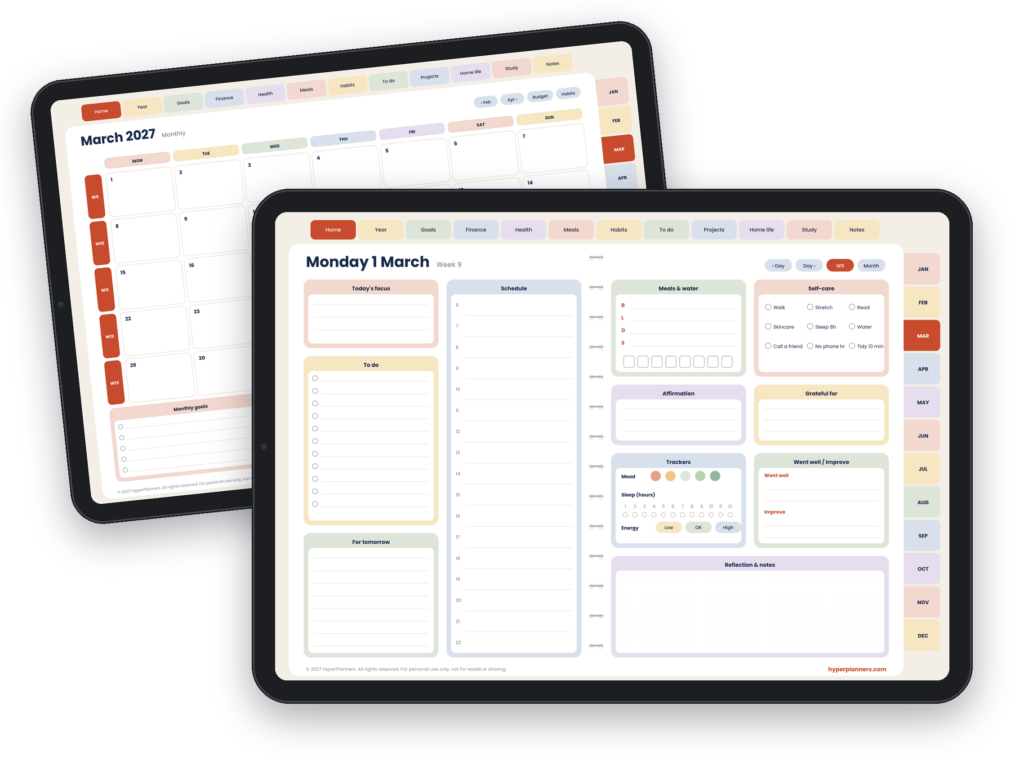
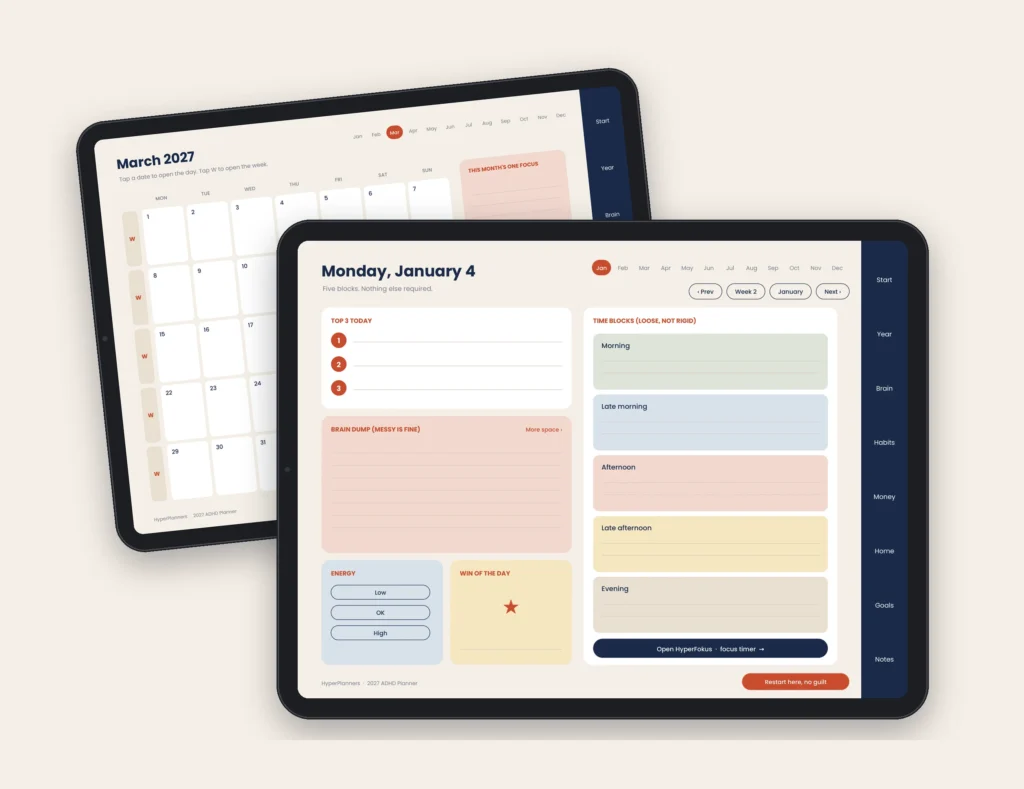
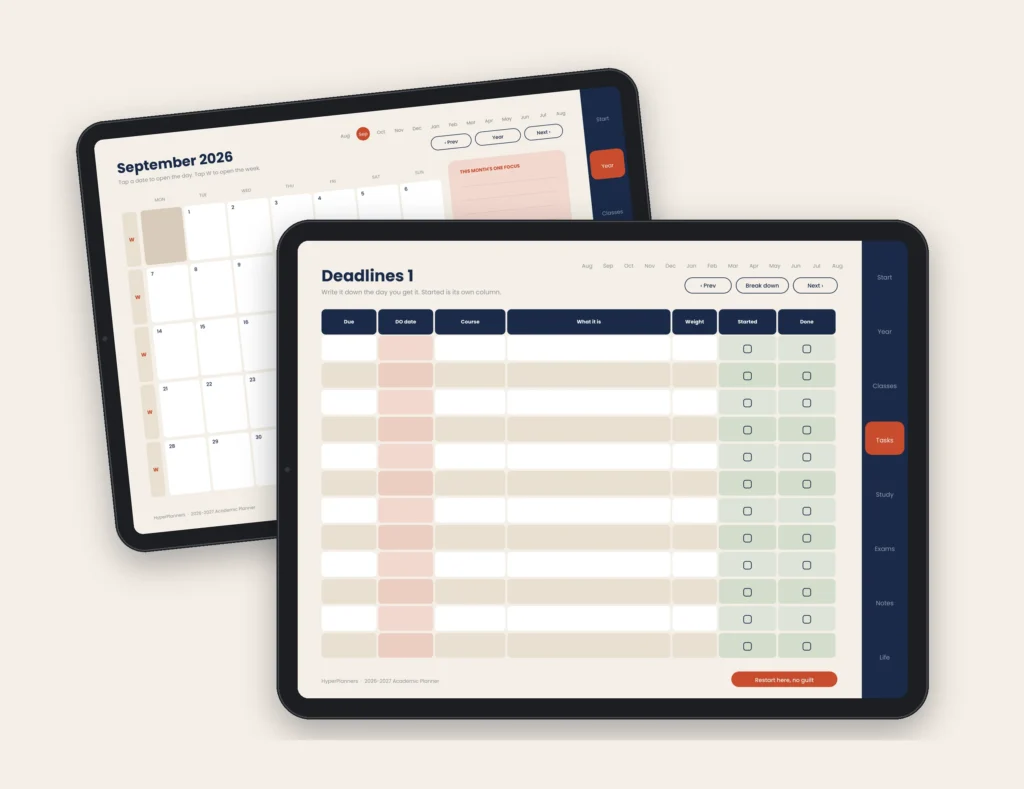
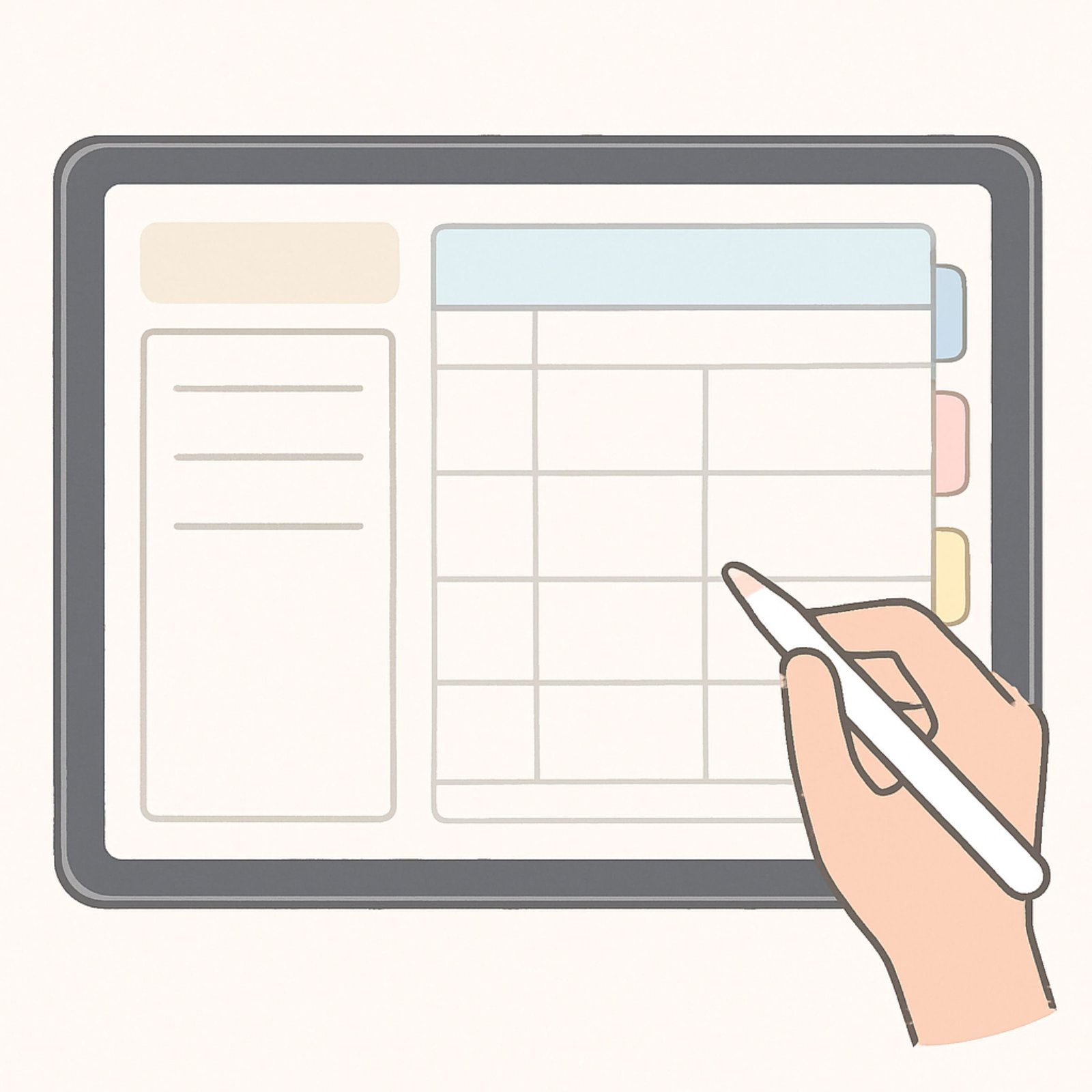
Just Need One Page? Free Daily, Weekly and Study Templates
Want something even simpler? Our free one-page templates cover a day or a whole week: brain dump, Top 3, loose time blocks, habits and a quick reset. Print them or use them in GoodNotes.
Free Digital Planner FAQ
Is the free 2027 digital planner really free?
Yes. The 31-page 2027 planner is completely free, no coupon code needed. Click the download button and it goes straight to checkout with the free price already applied. No subscription, no recurring charge, one download with lifetime access.
What is included in the free 2027 digital planner?
31 fully hyperlinked pages dated for 2027: a year at a glance page where every date is tappable, all 12 monthly calendars with a focus box and a don’t-forget list, weekly spreads, daily pages, and brain dump and focus sections built for ADHD brains. All hyperlinks are active on download.
What apps does the free 2027 digital planner work on?
The free 2027 digital planner works on GoodNotes 5 and 6, Notability, Xodo PDF, PDF Expert, Samsung Notes, and Adobe Acrobat. It works on iPad, Android tablets, Mac, Windows, and any device that supports PDF annotation.
Do I need an Apple Pencil to use the free 2027 digital planner?
No. An Apple Pencil is ideal for writing but is not required. You can navigate all hyperlinks and tap all buttons using your finger. Many users plan with a finger and only use the Apple Pencil for handwriting.
Is the free 2027 planner dated or undated?
It is dated for 2027. The year at a glance page and all 12 monthly calendars carry real 2027 dates, so you can start using it on 1 January without setting anything up.
Is HyperFokus free?
Yes, HyperFokus is completely free during the beta period. No credit card is required to join.
What devices does HyperFokus work on?
HyperFokus works on Android via Google Play, and in any web browser on phone, tablet, or desktop. No download is required for the web version.
Should I choose the PDF planner or the HyperFokus app?
The PDF planner works best if you already annotate in GoodNotes or Notability. HyperFokus works best if you want live reminders and an AI coach that checks in throughout your day. Many people use both.
Planning in GoodNotes? Our free GoodNotes planner guide shows how to download, import and set up the free planner in five minutes. On an iPad and not sure which app to use? Read our free digital planner for iPad guide. Student? Our free student planner guide shows how to set up your semester with DO dates. Planning with ADHD? See our free ADHD planner guide and its 5-minute daily routine. Want to plan your day hour by hour? Grab the free template in our time blocking guide.
Still deciding between free and paid? Read our comparison of the best digital planners for 2026-2027, or see the full HyperPlanners range.