
Weekly Planner: How to Plan Your Week in 15 Minutes (+ Free Template)
A daily to-do list tells you what to do today. A weekly planner tells you whether the week actually fits. It’s the difference between reacting to whatever lands in your inbox and knowing, on Monday morning, what really matters before Friday.
This guide shows you what a weekly planner is, what to include, a simple 15-minute weekly planning routine, an example week and free templates you can use on a tablet or print. If you like planning in blocks of time, our time blocking guide pairs well with everything here.
Quick answer: A weekly planner is a one-page view of your week. To use one, spend 15 minutes on Sunday or Monday: add fixed appointments, choose three goals for the week, spread your important tasks across the days and leave space for buffers and rest. Check it every morning and move anything that slips. A hyperlinked digital weekly planner lets you jump from the week to each day in one tap.
What Is a Weekly Planner?
A weekly planner shows all seven days on one or two pages, so you can see your whole week at once. Most layouts have a column or box for each day, plus space for weekly goals, a to-do list and notes.
It sits between a monthly calendar, which is too big-picture for daily work, and a daily page, which is too close up to see the shape of the week. That middle view is where most real planning happens. If you want a time grid for your week instead, see how to make a weekly schedule.
Why Plan Weekly?
- You see what fits. Ten big tasks and three late meetings won’t fit in one week. You find that out on Sunday, not Thursday night.
- You protect priorities. Giving important work a day before the week fills up makes it far more likely to happen.
- You spread the load. No more Monday overload and empty Fridays.
- You plan once. Fifteen minutes a week saves deciding what to do every single morning.
What to Include in a Weekly Planner
- Three weekly goals: what would make this week a success.
- Fixed events: meetings, appointments, classes and travel.
- Day-by-day tasks: two or three important tasks per day.
- A weekly to-do list: small jobs that can happen any day.
- Habit tracker: one or two habits, ticked off each day.
- Notes and wins: what went well and what to change next week.
How to Plan Your Week in 15 Minutes
- Brain dump (3 minutes). Write down everything on your mind: work, home, errands, ideas.
- Check your calendar (2 minutes). Copy fixed appointments and deadlines into the weekly page.
- Pick three goals (2 minutes). The three outcomes that matter most this week.
- Spread the work (5 minutes). Give each goal a day or two. Put the hardest tasks on your lightest days.
- Add buffers and rest (2 minutes). Leave one afternoon lighter for anything that runs over, and plan something fun.
- Set Monday’s Top 3 (1 minute). So you know exactly where to start.
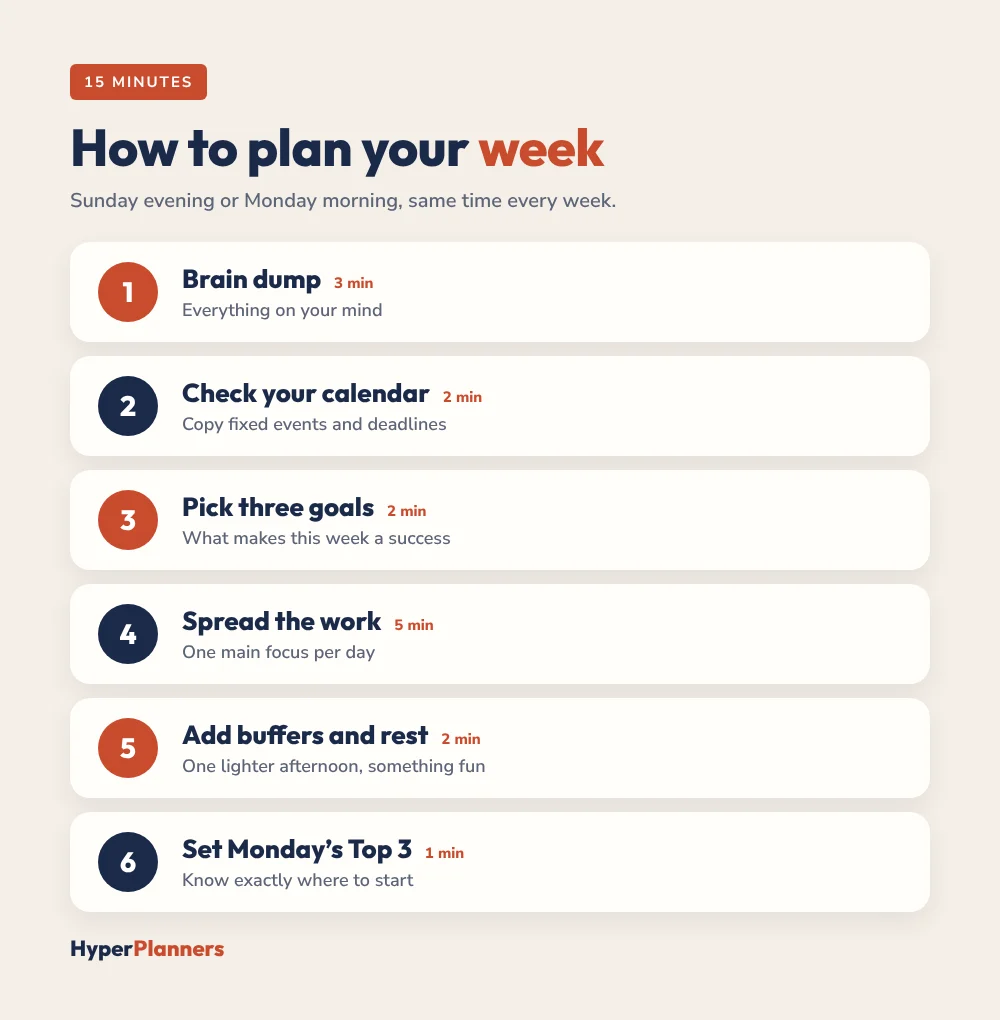
Do this at the same time each week, for example Sunday evening or Monday with your first coffee. The habit matters more than the exact day. Want to tidy up and recharge at the same time? Try a full weekly reset routine.
Example: A Planned Week
| Day | Main focus | Other tasks |
|---|---|---|
| Monday | Write the project proposal | Team meeting, inbox |
| Tuesday | Client calls | Finish proposal edits |
| Wednesday | Deep work: presentation | Gym, groceries |
| Thursday | Present to the team | Book dentist, pay bills |
| Friday | Buffer and catch-up | Weekly review, plan next week |
| Weekend | Rest and family | Meal prep for Monday |
Notice that each day has one main focus, not five, and Friday afternoon is a buffer. That’s what makes the plan survive a real week.
Weekly Planner Layouts
| Layout | Best for |
|---|---|
| Vertical (columns per day) | Busy schedules and time blocking |
| Horizontal (rows per day) | Task lists and notes |
| Box layout | Simple, flexible weeks |
| Week on one page with goals | Focus and priorities |
| Loose blocks (morning, afternoon, evening) | ADHD and unpredictable days |
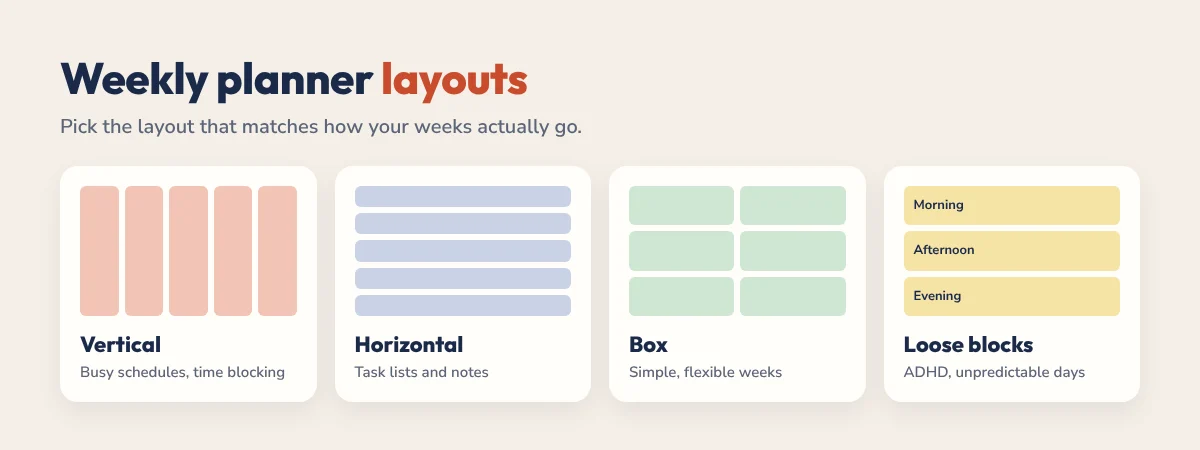
If your days rarely go to plan, try the loose layout. It’s the approach in our time blocking for ADHD guide.
Digital or Printable Weekly Planner?
A printable weekly planner is quick and screen-free: print one page each week and keep it on your desk. A digital weekly planner on a tablet saves paper, lets you erase and move tasks, and in a hyperlinked planner, every day of the week is one tap away from the weekly page. Our free templates work both ways, so you can print them or import them into GoodNotes or Notability.
Free Weekly Planner Templates
Our newest freebie is a one-page ADHD weekly planner template: a brain dump, a Top 3 for the week, a box for fixed appointments, up to 3 tasks a day, a small habit grid and a 10-minute Sunday reset. Print it every week or import the PDF into GoodNotes and duplicate the page.
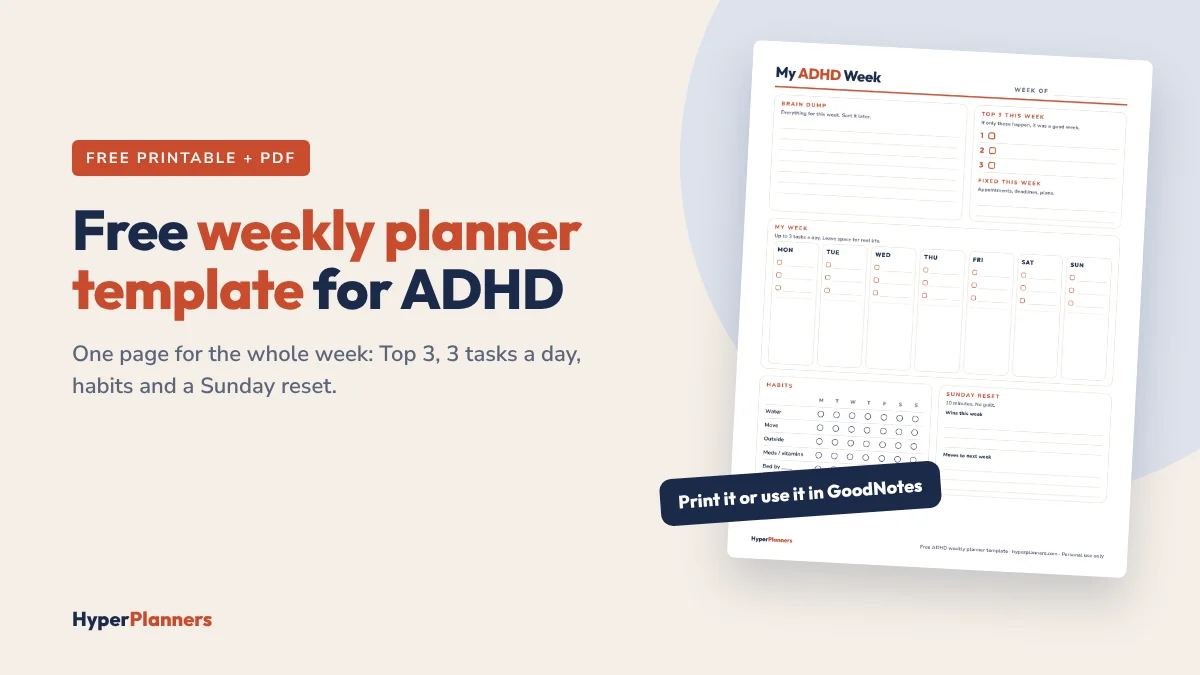
Want a daily page to go with it? Get the matching free daily planner template. More free options:
- Free time blocking template: includes a weekly page, a daily page and a loose time blocks page, hyperlinked and printable.
- Free 2027 digital planners: hyperlinked 2027 planners with weekly pages, in All-in-One, ADHD and Academic editions. See our free digital planners.
- Free student planner: weekly pages plus a deadline tracker with DO dates. See the free student planner.
Weekly Planning for Different Lives
- Students: add classes first, then give each subject two study blocks a week. Our study planner guide shows how.
- Busy parents: put school events, activities and meal plans on the weekly page so the whole household’s week is in one place.
- Freelancers: give each client a day or half-day, and keep Friday for admin and invoicing.
- ADHD brains: keep the weekly page very simple, with three goals and loose blocks. See how to choose an ADHD planner for adults.
Common Weekly Planning Mistakes
- Planning every day full. Leave at least one buffer each week.
- Too many weekly goals. Three is enough. Ten means none get done.
- Never looking at it again. A 30-second morning check keeps the plan alive.
- Starting fresh every Monday. Carry unfinished tasks forward instead of rewriting everything.
Weekly Planner FAQ
What is a weekly planner?
A weekly planner is a one or two-page layout that shows all seven days of your week, with space for appointments, tasks, weekly goals and notes.
How do I plan my week?
Spend 15 minutes once a week: brain dump everything, copy fixed appointments, choose three goals, spread important tasks across the days, add buffers and pick Monday’s Top 3.
What day should I plan my week?
Sunday evening or Monday morning works for most people. Choose the time you can repeat every week.
What should I put in a weekly planner?
Three weekly goals, fixed events, two or three key tasks per day, a short to-do list, a simple habit tracker and space for notes and wins.
Is there a free printable weekly planner?
Yes. The free HyperPlanners time blocking template includes a weekly page you can print or use in GoodNotes and Notability, and the free 2027 digital planners include weekly pages.
Plan Next Week Tonight
Take 15 minutes, grab a weekly page and follow the six steps above. By Monday morning you’ll know exactly what matters, and what can wait.