
ADHD Time Blindness: What It Is and How to Make Time Visible
You sit down for “five minutes” and look up two hours later. A deadline that felt weeks away is suddenly tomorrow. You know roughly what you need to do, but the sense of time passing just isn’t there. That’s often described as time blindness, and it’s one of the most common struggles adults with ADHD talk about.
The good news: you don’t have to feel time to manage it. You can make it visible. This guide explains what time blindness is, the signs to look for and practical tools and planner habits that help. For the bigger picture, see our guide to ADHD time management.
Quick answer: ADHD time blindness is difficulty sensing how much time has passed and how long tasks will take. You can work around it by making time visible: use a visual timer, set alarms for transitions, add a buffer to every estimate, anchor your day to fixed times and check a simple planner with a daily Top 3 each morning. A hyperlinked digital planner makes that check take seconds.
What Is ADHD Time Blindness?
Time blindness is a popular term for a real difficulty many people with ADHD describe: time doesn’t feel like a steady line. Instead, it feels like “now” and “not now”. Things that are happening now feel urgent. Everything else, even something due on Friday, feels far away until suddenly it isn’t.
It’s linked to executive function, the brain skills that help with planning, working memory and self-monitoring. It isn’t laziness or a lack of caring. If time blindness is seriously affecting your work or life, it’s worth talking to a doctor or ADHD specialist about support.
Common Signs of Time Blindness
- Regularly running late, even when you started getting ready “on time”.
- Losing hours in hyperfocus without noticing.
- Underestimating how long tasks take, again and again.
- Deadlines feeling sudden, even when you knew about them.
- Struggling to start tasks that aren’t due today.
- Finding it hard to switch from one activity to the next.
- Losing track of how long ago something happened.
Why Planning Feels So Hard
Most planners quietly assume you can feel time. They ask you to estimate, look ahead and remember to check back. With time blindness, all three are harder. Add a planner that takes ages to navigate or fills up with guilt-inducing blank pages, and it’s easy to give up. The fix isn’t more willpower. It’s tools that show you time instead of asking you to sense it.
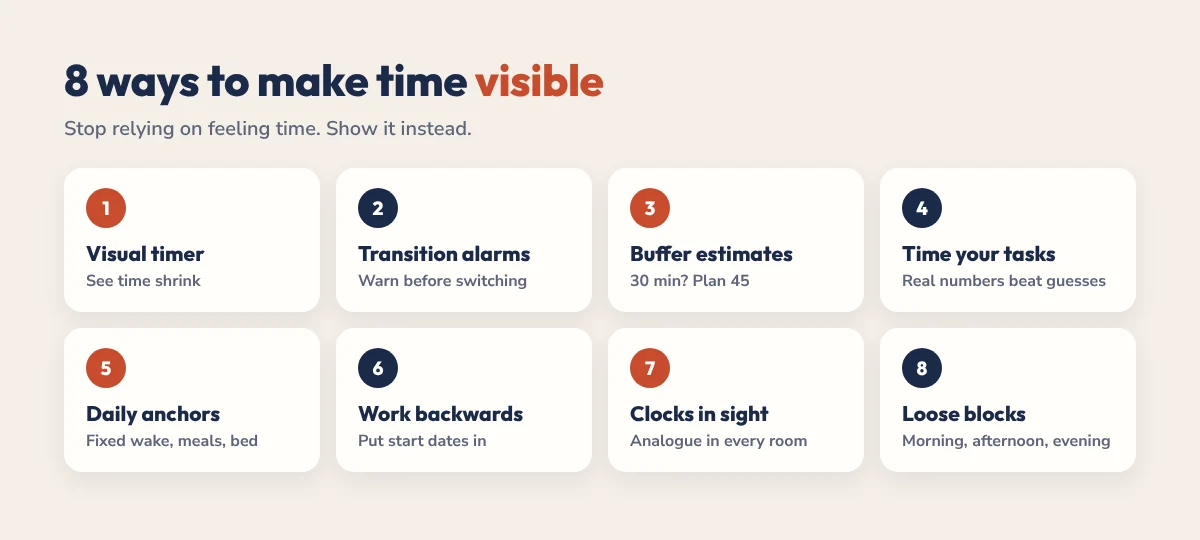
8 Ways to Make Time Visible
- Use a visual timer. A countdown you can see makes time concrete. Try our free ADHD focus tool with a visual timer ring. Prefer a physical one? See our picks for the best visual timers for ADHD.
- Set alarms for transitions, not just start times. A 10-minute warning before you need to leave or switch tasks helps a lot.
- Add a buffer to every estimate. If you think a task takes 30 minutes, plan for 45.
- Time your common tasks. Track how long things really take for a week. Real numbers beat guesses.
- Anchor your day. Fixed wake-up, meal and bedtimes give your day a shape you can feel.
- Work backwards from deadlines. Write the due date, then the date you need to start, and put the start date in your planner.
- Keep clocks in sight. An analogue clock in each room shows time passing in a way a phone doesn’t.
- Plan in loose blocks. Morning, afternoon and evening are easier to manage than exact hours. Our time blocking for ADHD guide shows how.
A Planner Setup for Time Blindness
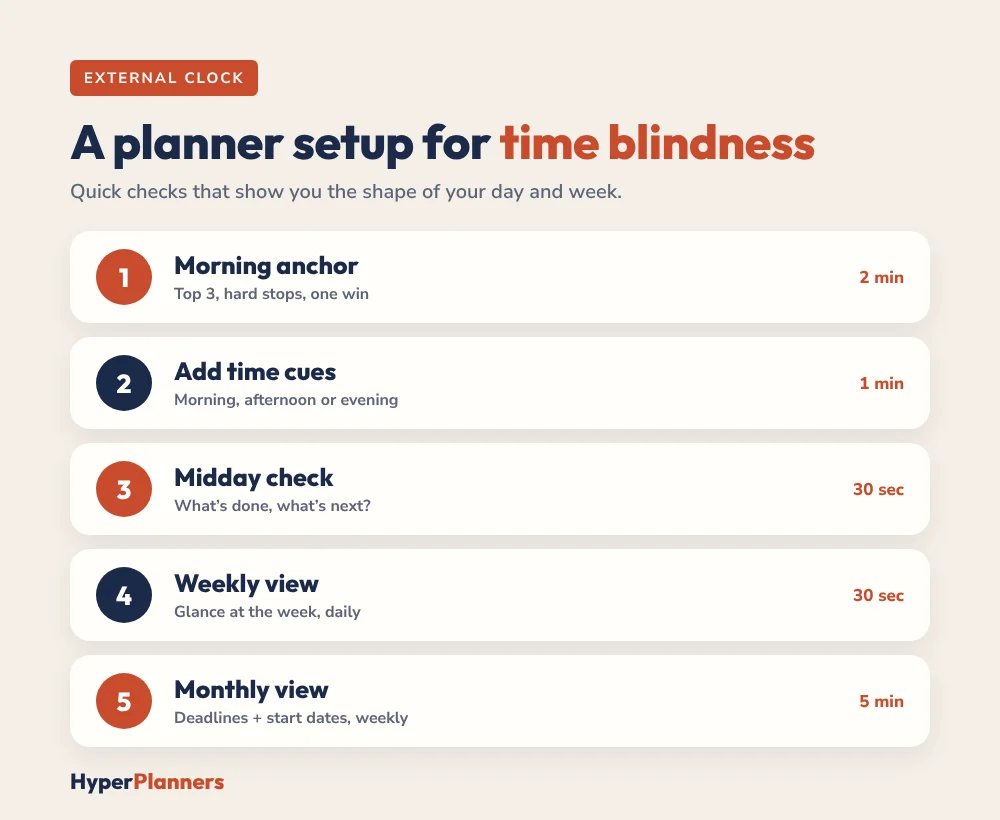
A planner works as your external clock when it’s quick to check and shows you the shape of your day and week. Here’s a simple setup:
- Morning anchor (2 minutes). Open today’s page and write your Top 3, any hard stops and one thing that would make today a win.
- Add time cues. Next to each task, write a rough time or a block: morning, afternoon or evening.
- Midday check (30 seconds). Tap back to today. What’s done, what’s next?
- Weekly view once a day. Glance at the week so upcoming deadlines don’t sneak up.
- Monthly view once a week. Add deadlines and work-back start dates.
With a hyperlinked planner, each check is one tap, so it actually happens. Read why hyperlinked planners help ADHD.
Tools That Help
| Tool | How it helps |
|---|---|
| Visual timer | Shows time passing as shrinking colour |
| Phone alarms with labels | Cues transitions, not just start times |
| Calendar app | Holds fixed appointments and sends reminders |
| Hyperlinked planner | One-tap daily, weekly and monthly views |
| Daily schedule | Gives the day a predictable shape |
Want a ready-made day to start from? Our free daily schedule builder creates one around your energy. If you prefer a calendar, our ADHD calendar guide shows how to set one up.
Common Mistakes
- Planning every minute. Leave buffers. Things will run over.
- Relying on memory. If it isn’t written or set as an alarm, it doesn’t exist for a time-blind brain.
- Only setting start alarms. Warnings before transitions matter more.
- Giving up after a late day. Tomorrow’s page is a fresh start.
Be patient with yourself. These tools take a couple of weeks to become habits, and every alarm you set or estimate you write down makes the next one easier.
The HyperPlanners ADHD Planner
Our 2027 ADHD Planner is built to act as an external structure for your day. It has 490 hyperlinked pages with a daily Top 3, brain dump, energy check and win of the day, plus weekly and monthly views, habit and mood trackers, a dopamine menu and a “Restart here, no guilt” button. Start with the free 31-page ADHD Lite, which includes a Top 3, brain dump and loose time blocks.
Ready for the full year? Get the 2027 ADHD Planner from $19, or take our 60-second planner quiz.
ADHD Time Blindness FAQ
What is time blindness in ADHD?
It’s a common term for difficulty sensing how much time has passed and how long things will take. Many people with ADHD experience time as “now” or “not now”, which makes planning ahead hard.
How do you fix time blindness?
You can’t simply switch it off, but you can work around it by making time visible: visual timers, transition alarms, buffers on estimates, fixed daily anchors and a planner you check every morning.
Is time blindness a real ADHD symptom?
Difficulty with time perception and time management is widely described by people with ADHD and is linked to executive function. If it seriously affects your life, talk to a doctor or ADHD specialist.
Does a planner help with time blindness?
Yes, if it’s quick to use. A hyperlinked planner lets you check today, this week and this month in seconds, so time becomes something you can see.
What is the best timer for ADHD time blindness?
A visual timer that shows time shrinking, like a colour ring, often works better than numbers alone. Our free ADHD focus tool includes one.
Start With One Anchor
Tomorrow morning, open your planner, write three things and set one alarm for the first transition of the day. That’s a time-blindness system in its simplest form. Build from there.