
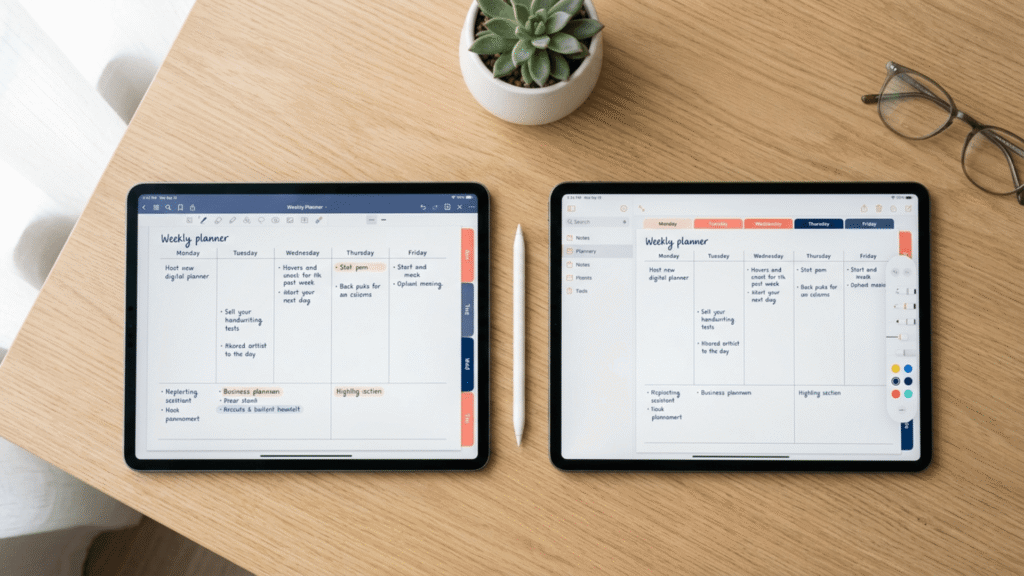
You’re ready to commit to a digital planner. You’ve researched hyperlinked PDFs. You’ve downloaded HyperPlanners. Now comes the question: GoodNotes or Notability?
Both apps work on iPad with Apple Pencil. Both support hyperlinked PDFs. But for ADHD brains, the differences matter — a lot.
The right app doesn’t make the planner. But the wrong app can definitely break it.
Why the right app changes everything for ADHD planning
For ADHD brains, friction is the enemy. A slow app. A confusing interface. A planner that takes three steps to open instead of one. These aren’t minor annoyances — they’re deal-breakers that turn your digital planner into abandoned software within a week.
The right app reduces friction. It gets out of your way. You open it, tap your hyperlink, and you’re planning. No decisions. No features getting in the way.
This is why the GoodNotes vs Notability question matters for ADHD users — not in theory, but in daily practice.
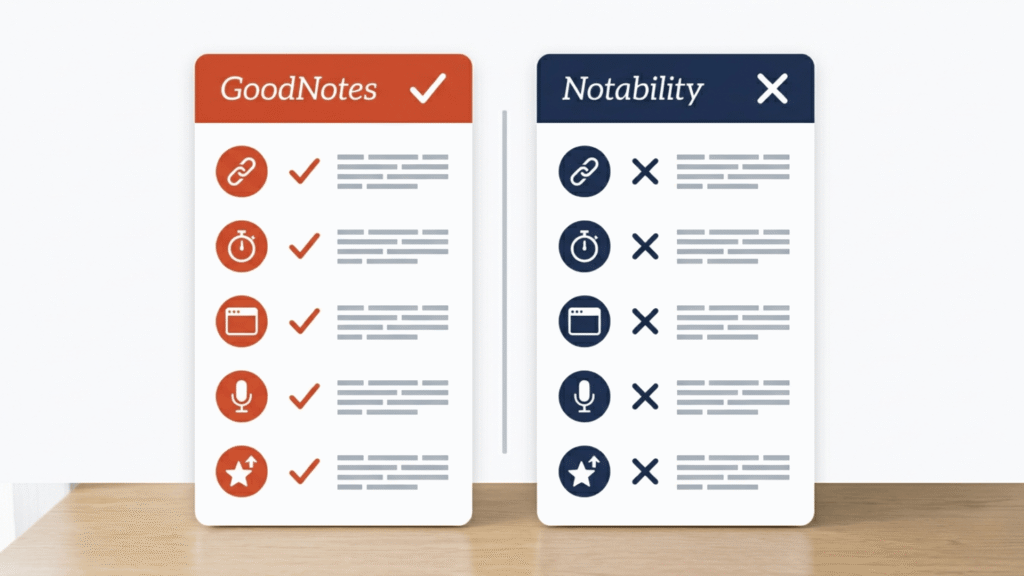
GoodNotes for ADHD — what works and what doesn’t
What works: speed, hyperlinks, and clean navigation
GoodNotes is fast. Open the app, tap your PDF, tap your hyperlink — you’re on your page in under three seconds. For ADHD brains where friction is the difference between planning and avoiding, this speed matters more than any feature list.
Hyperlink support is excellent. Every link in a hyperlinked PDF activates instantly — no lag, no broken navigation. If you’re using a hyperlinked planner like HyperPlanners, GoodNotes is optimised for exactly this.
Presentation mode is surprisingly useful for ADHD. Switch to it while planning and your notes sit on the right, your calendar or planning pages on the left. Minimal distractions. Maximum focus.
GoodNotes 6 AI features include AI-powered search and handwriting organisation. For ADHD brains that struggle to find things later, this helps without being intrusive.
What doesn’t work: interface density on first use
GoodNotes has a lot of features — and the interface reflects that. For ADHD brains that get overwhelmed by options, the first week can feel chaotic. Buttons everywhere. Settings in unexpected places. Plan for 2–3 weeks before the interface stops requiring active thought.
Once you’re past that initial curve, it’s smooth. But that first week costs cognitive load.
GoodNotes is best for: visual planners who prioritise speed and hyperlink reliability, heavy hyperlink users, and anyone willing to invest a couple of weeks in learning the interface.
Notability for ADHD — what works and what doesn’t
What works: simplicity and audio notes
Notability’s interface is simpler than GoodNotes. For ADHD brains that find interface density overwhelming, this is a significant win. You open it, you see the essentials, you start planning. No decision fatigue on day one.
Audio recording is Notability’s standout feature — and it’s genuinely valuable for ADHD. Record audio while writing notes and your voice captures the thoughts your hands can’t keep up with. GoodNotes doesn’t have this. If you process information by talking through it, this alone may be the deciding factor.
Quick PDF import is faster and more intuitive than GoodNotes. If you rotate planners or add multiple PDFs regularly, this matters.
What doesn’t work: hyperlink reliability
Notability supports hyperlinks, but not as seamlessly as GoodNotes. There’s occasional lag when tapping links — sometimes requiring a second tap. For ADHD brains where friction is a deal-breaker, even minor navigation lag adds up over time.
Notability is improving, but as of 2026 GoodNotes still handles hyperlinked PDFs more reliably.
Notability is best for: students and note-heavy planners, anyone who uses audio recording, and ADHD users who find simpler interfaces genuinely easier to start with.
The one thing both apps need to work properly
Here’s what matters more than the app choice: a well-structured hyperlinked digital planner for ADHD
Both GoodNotes and Notability are containers. The planner you put inside them is where the real difference happens. A poorly structured PDF with weak hyperlinks will feel clunky in either app. A well-designed hyperlinked planner will work well in both.
The key insight: Don’t overthink the app choice. Pick the one that matches your workflow — GoodNotes for speed, Notability for simplicity. Then put a well-designed hyperlinked planner inside it. That’s what determines whether you stick with it.
HyperPlanners works with both apps by design. The planners are built to perform flawlessly in GoodNotes and Notability — because both audiences matter. Pick your app. Use the planner. Start planning without friction.
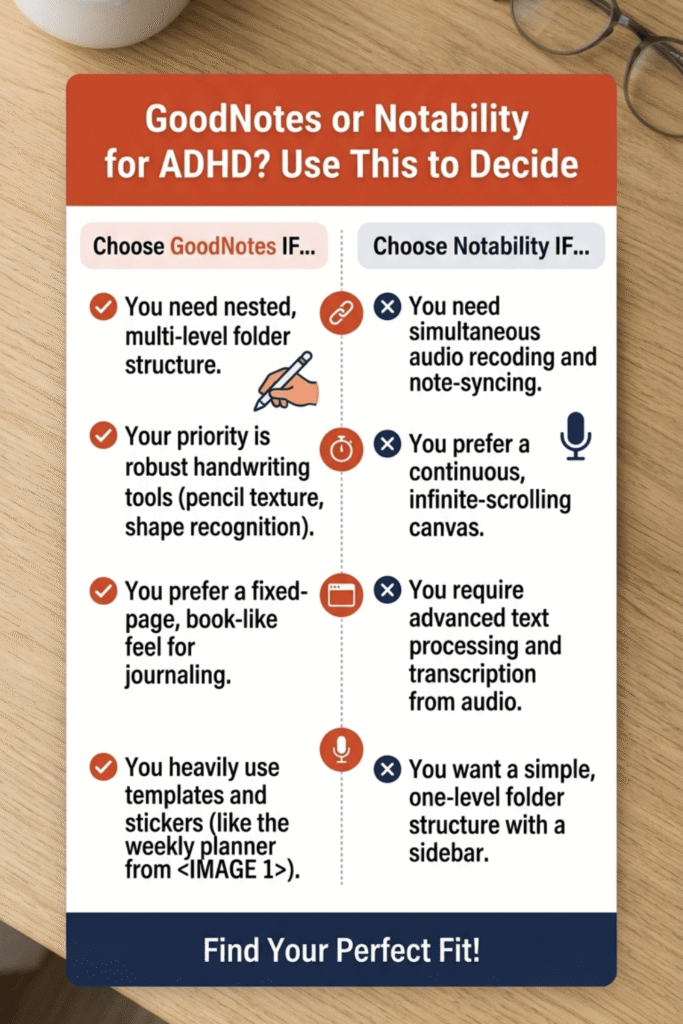
GoodNotes vs Notability for ADHD: the verdict
Choose GoodNotes if:
- Hyperlink speed and reliability is your priority
- You don’t mind learning an app with a larger feature set
- You want presentation mode and AI-powered search
- You’re prepared for a slightly steep first two weeks. Read our full GoodNotes planner setup guide for ADHD to get started on the right foot.
Choose Notability if:
- You want the simplest possible interface from day one
- You use audio notes or think by talking through ideas
- Minimalist design helps you stay focused
- You’re okay with occasional minor hyperlink lag
The honest answer: both apps work. Both support hyperlinked PDFs. Both can host your ADHD planner successfully. For ADHD brains specifically, GoodNotes edges ahead because hyperlink speed directly reduces the friction that causes abandonment. But Notability’s simpler interface is a close second — and for some ADHD users it’s the better fit.
Either way, you’re making a solid choice. The real difference-maker is the planner you put inside.
The best app is the one you’ll actually open. The best planner is the one you’ll stick with.


