
Planner Basics
Updated on March 2026 | 8 min read
Five Digital Planner Habits That Actually Stick
(8-Minute Daily Routine)
Most people use their digital planner for three days and then forget it exists. Not because the planner is bad — but because they never built the habits around it. These five habits take eight minutes a day. Start with one.
HyperPlanners
Digital Planning Guides
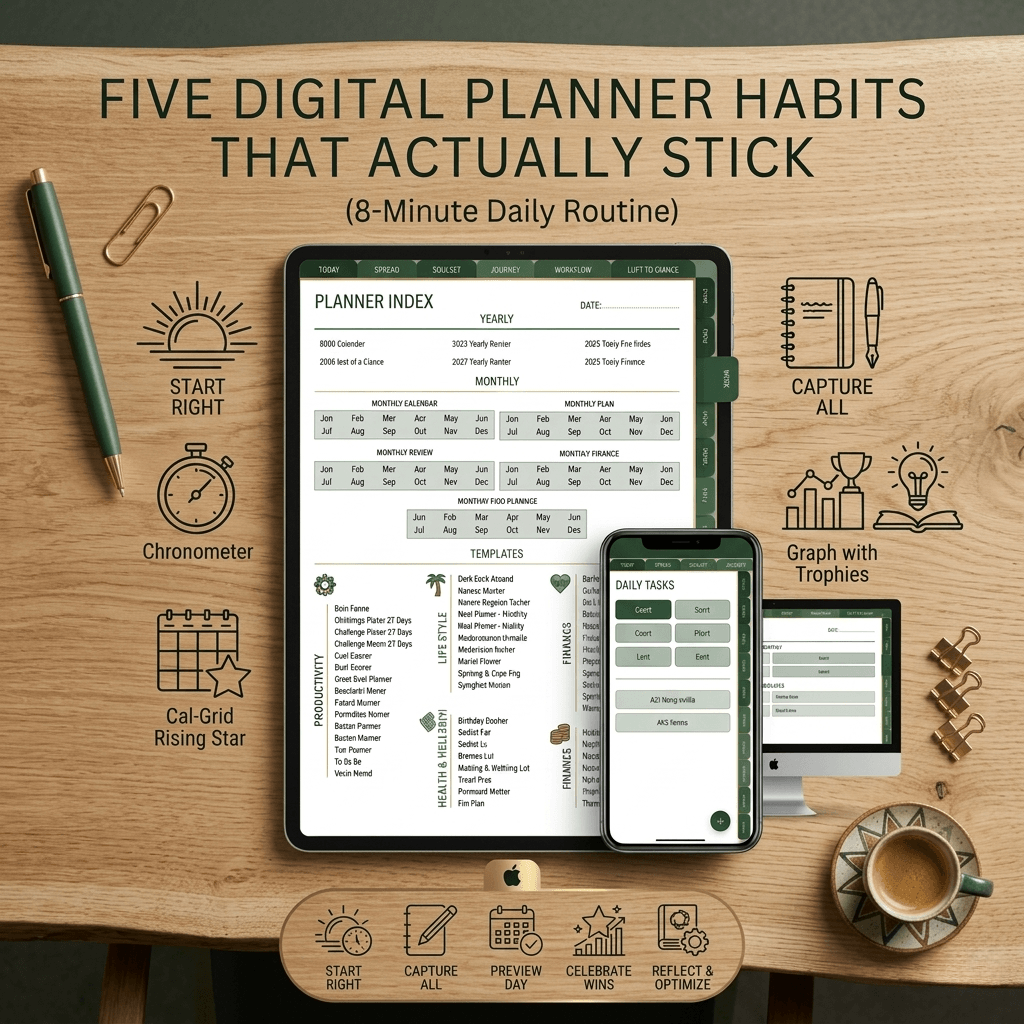
Your planner is only as effective as the routine around it. Here are the five habits that turn a downloaded PDF into a planning system you actually use every single day.
Why habits matter more than the perfect planner
The reality: motivation fades and willpower is unreliable. But habits are automatic. When you build a daily digital planning routine, you’re not relying on motivation to open your planner every morning. You’re creating behaviours that happen whether you feel like it or not.
Think about brushing your teeth — you don’t debate it every morning. You just do it. That’s exactly what we’re building with your digital planner.
Digital planners have real advantages over paper — instant navigation, searchable content, no running out of pages but those advantages only matter if you open the planner consistently. The habits below fix that.
Why most people abandon their digital planner
Before the habits, it helps to understand what causes planners to get abandoned. Most people make one of five mistakes:
Number 1:
Trying to do too much on Day 1
Tracking habits, meals, projects, budget, and goals simultaneously. Overwhelming yourself on day one guarantees you quit by day three.
Number 2:
No dedicated planning time
“I’ll just check it throughout the day” — but you never do. Without a specific time, it doesn’t happen.
Number 3:
Planning feels like homework
If your planning session takes 30+ minutes, you’ll quit. Effective planning is quick and valuable — not a second job.
Number 4:
Planner becomes a wishlist, not a roadmap & freelancers
You write beautiful to-do lists but never connect them to action. Planning without execution is just journaling.
Number 5:
Perfectionism paralysis
Spending hours on colours and stickers instead of actually using the planner. Done beats perfect every time.
The solution to all five: build simple, sustainable habits instead of trying to create the perfect system. Here’s how.
Habit 1 — The 5-minute morning review
Habit 01 of 05
Limit your daily goals to exactly three
5 minutes · Every morning · Highest impact habit on this list
The most important digital planner habit: start every day with a quick planning check-in before email, messages, or social media. Your morning review should cover five things and take five minutes maximum.
Step 1:
Open your planner to today’s page
Use the Today button — one tap, you’re there. No scrolling.
Step 2:
Review your top 3 priorities
What must happen today? Not everything — just the three tasks that make the day a win.
Step 3:
Check appointments and time blocks
Know your hard commitments before the day starts so you can plan around them.
Step 4:
Review yesterday’s incomplete tasks
For each one: reschedule it, delete it, or do it today. Don’t let old tasks pile up silently.
Step 5:
Set one intention or focus word
One word or short phrase that guides the day. Focus. Ship. Rest. Connect. Takes ten seconds, worth the ten seconds.
💡Link it to an existing habit — after your first coffee, before checking email, right after your morning shower. Habit stacking is the fastest way to make a new routine automatic.
This is where hyperlinked digital planners make the biggest difference. Instead of scrolling through 365 pages to find today, you tap once and you’re there. Those saved seconds compound every single morning.
Habit 2 — Choose only 3 priorities each day
Habit 02 of 05
Limit your daily goals to exactly three
2 minutes · Every morning · Done during the morning review
Endless to-do lists create decision paralysis. When everything feels important, nothing gets done. The Big 3 method solves this: choose only three essential tasks that, if completed, would make today a genuine win.
Not “things I’d like to do.” Not “everything on my list.” Just three tasks that matter — chosen deliberately before the day pulls you in every direction.
How to choose your Big 3
Forces genuine prioritisation rather than wishful thinking.
Connects daily actions to longer-term direction — stops you spending days on busy work.
Clearing the things that nag at you frees up mental bandwidth for everything else.
⚠️ Important distinction: don’t confuse priorities with appointments. Your 2pm meeting doesn’t count as a priority — it’s already scheduled. Priorities are the proactive tasks you choose to do, not the ones already in your calendar.
Habit 3 — Time block instead of listing
Habit 03 of 05
Assign each task a specific time window
5 minutes · Evening before or morning of · Biggest productivity multiplier
A to-do list tells you what to do. A time-blocked schedule tells you when. That single shift eliminates three of the biggest productivity killers: decision fatigue, context switching, and procrastination.
How to structure your time blocks
Start conservative — block only 2 to 3 tasks per day initially. Be realistic about duration: add 25% more time than you think you’ll need. Leave 30–50% of your day unblocked to absorb the unexpected.
💡Digital planners let you move time blocks with a few taps — no messy erasing or rewriting. If a task runs long, adjust the rest of the day in seconds. This flexibility is one of the strongest arguments for digital over paper.
Free Sample
Try a planner built for all three habits
Quick-access Today button, dedicated Big 3 section on every daily page, and time-blocking layouts. 85 pages, fully hyperlinked. Normally $5.99 — free with code BLOGFREE2026.
Habit 4 — Track your energy, not just your tasks
Habit 04 of 05
Rate your energy and mood at the end of each day
30 seconds · Every evening · Builds up into genuinely useful data
Most productivity systems focus entirely on tasks. This one tracks the person doing the tasks. Add a quick daily rating for energy (1–5), mood, and productivity. Takes 30 seconds. After 2–4 weeks, patterns emerge that are genuinely surprising.
This data helps you design your schedule around your natural rhythms instead of fighting them. Some digital planning apps like GoodNotes let you create custom stamps for one-tap tracking — create a small emoji pack you can stamp in seconds at the end of each day.
Habit 5 — Close every day with two sentences
Habit 05 of 05
The 2-sentence end-of-day reflection
2 minutes · Every evening · Turns experience into improvement
Before closing your planner, write exactly two sentences: what worked well today, and what you’d do differently tomorrow. That’s the whole habit. No lengthy journal entry, no self-judgment — just an honest snapshot.
People who reflect on their performance improve significantly faster than those who just keep doing the same thing. The planner becomes a feedback loop, not just a to-do list.
What good reflections look like
💡 Don’t skip it on bad days — those are the most valuable ones to reflect on. The worse the day, the more there is to learn from it.
Your complete 8-minute daily routine
Here’s what your planning routine looks like when all five habits are combined. Total time investment: eight minutes per day.
Start of day
Open to today’s page (Today button)
Review yesterday’s incomplete tasks
Choose your Big 3 priorities
Confirm time blocks for the day
Set one intention
In motion
Follow your time blocks
Tick off completed priorities
Note tasks and ideas as they arise
Adjust blocks if needed
Close of day
Rate energy and mood (30 sec)
Write 2-sentence reflection
Quick scan of tomorrow’s page
How to stay consistent — avoiding the common pitfalls
Knowing the five habits is one thing. Keeping them going past week two is another. These are the obstacles that derail most people — and exactly how to handle each one.
Pitfall 1 — “I’ll do a big planning session on Sunday and sort the whole week”
Reality: your Sunday plan is outdated by Tuesday. Life changes daily.
Solution: do light weekly planning for general goals, but review and adjust your planner every morning. The daily routine is where real planning happens.
Pitfall 2 — “I need to fill every page of the planner”
Reality: most planners have pages you’ll never use. That’s fine.
Solution: use only the pages that serve your goals. If you don’t need a meal planner, skip it. Your planner works for you — not the other way around.
Pitfall 3 — “I missed a day, so I’ve failed”
Reality: missed days happen. Life gets chaotic.
Solution: missing one day doesn’t erase weeks of good habits. Open your planner the next morning and continue. Don’t catch up on old pages — just jump to today. Consistency beats perfection every time.
Pitfall 4 — “Digital planners feel too complicated”
Reality: they can be overwhelming if you try to use every feature at once.
Solution: start with just the daily page. Master the morning review for two weeks. Then explore one new feature — weekly view, habit tracker, whatever interests you. See the beginner’s guide if you’re still unsure where to start.
Pitfall 5 — “I don’t have time to plan”
Reality: you don’t have time not to plan. Unclear priorities waste hours every week.
Solution: these five habits take eight minutes total per day. Eight minutes of planning saves 30–60 minutes of wasted effort, indecision, and doing the wrong tasks. That’s a 4–8x return on your time investment.
The planner built for all five habits
The Complete 2026 Planner — 590+ hyperlinked pages.
Big 3 priorities on every daily page. Time-blocking layouts. Energy tracker. Weekly review. One-tap Today button. Everything this routine needs — instant download, works on every device.
Setup Guide
How to Import Your Planner into GoodNotes on iPad
Step-by-step visual guide. From download to first tap in under 5 minutes.
Planner basics
Hyperlinked vs. Static Planners | The Full Comparison
Side-by-side breakdown of every difference. Which one is right for you?
Planner basics
What is a Hyperlinked Planner? The Beginner’s Guide
Everything you need to know — how they work, who they’re for, and how to get started in under 5 minutes.