
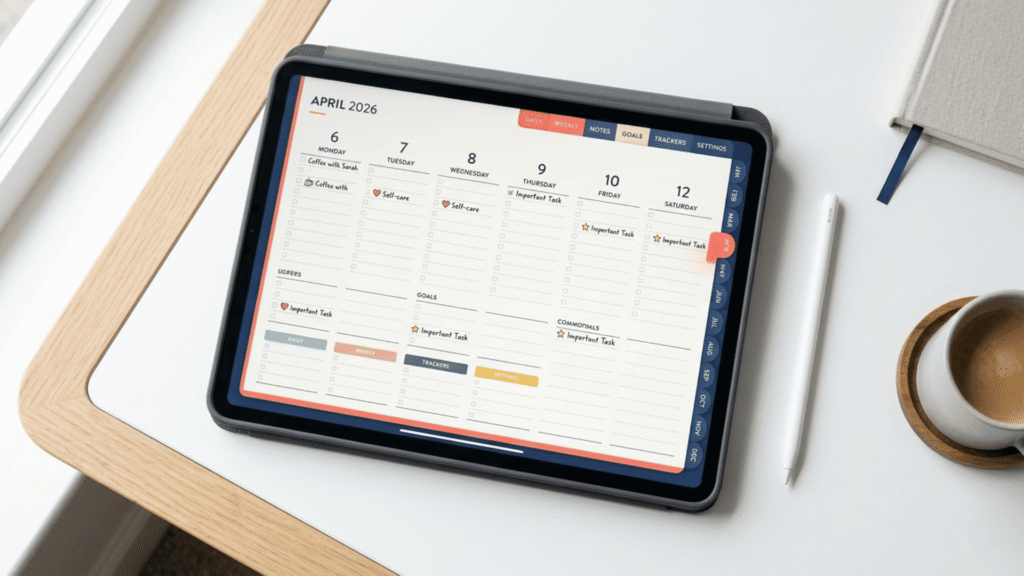
If your planning keeps falling apart, it’s probably not because you’re doing it wrong.
For ADHD brains, most planners fail for one reason: they create too much friction. And friction — even small amounts of it — is enough to make a system collapse entirely.
A hyperlinked digital planner fixes that by making planning fast, simple, and easy to restart. It reduces the two biggest ADHD planning blockers: decision fatigue and navigation friction.
What Is a Hyperlinked Digital Planner for ADHD?
A hyperlinked digital planner is a PDF planner file with clickable links built in — so you can jump between sections instantly, like tapping a menu on a website.
Instead of scrolling endlessly to find your monthly calendar, weekly spread, or notes pages, you tap once and you’re there.
Most hyperlinked planners include:
- A clickable index (months, weeks, sections)
- Navigation tabs or buttons on every page
- Links that move you quickly from the big picture to today
How Does a Hyperlinked Digital Planner for ADHD Work on iPad?
You use a hyperlinked planner inside a note-taking app — most commonly GoodNotes or Notability, though any PDF annotation app works.
Once you import the planner PDF into the app, you can:
- Tap hyperlinks with your finger to navigate
- Write with Apple Pencil (or your finger)
- Highlight, duplicate pages, and organize everything digitally
No printing. No losing pages. No starting over from scratch.
Why a Hyperlinked Digital Planner Supports ADHD Brains
Hyperlinked planners support ADHD because they remove the three most common drop-off points:
1. Less scrolling = fewer distractions
Scrolling is a distraction machine. One tap of a hyperlink replaces a long, wandering scroll — so you stay in planning mode instead of getting lost.
2. Fewer decisions in the moment
When planning feels complicated, avoidance kicks in. Hyperlinked navigation makes the next step obvious (month → week → day), so you spend less mental energy deciding and more energy actually doing.
3. Planning gets faster — so it happens more often
If planning takes 20–30 minutes, ADHD brains tend to avoid it. If it takes 2–5 minutes, it becomes realistic. Hyperlinks cut the setup time dramatically — which matters especially if ADHD time blindness makes slow navigation feel like a reason to quit.
The ADHD sweet spot: Hyperlinked planners work best when you keep the system lightweight. Use the links to get to the right page fast, then write only what you actually need for today.
Hyperlinked Digital Planner for ADHD vs Regular PDF Planner: What’s the Difference?
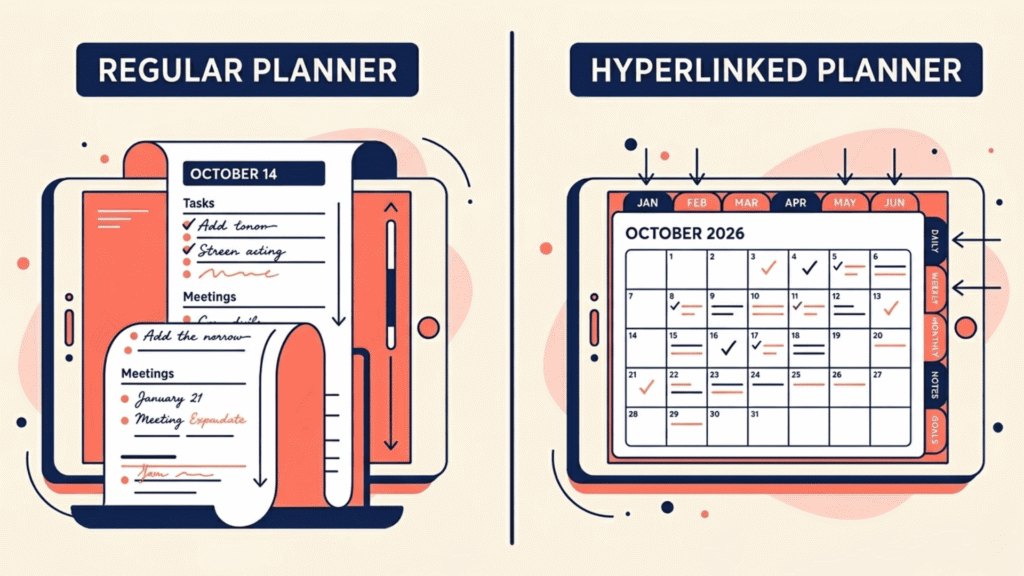
A standard digital planner is usually a PDF you scroll through. A hyperlinked planner adds clickable navigation, faster jumping between views, and an easy “return to index” flow.
The difference in practice: one feels like digging through a filing cabinet. The other feels like using an app.
How to Start With a Hyperlinked Digital Planner for ADHD
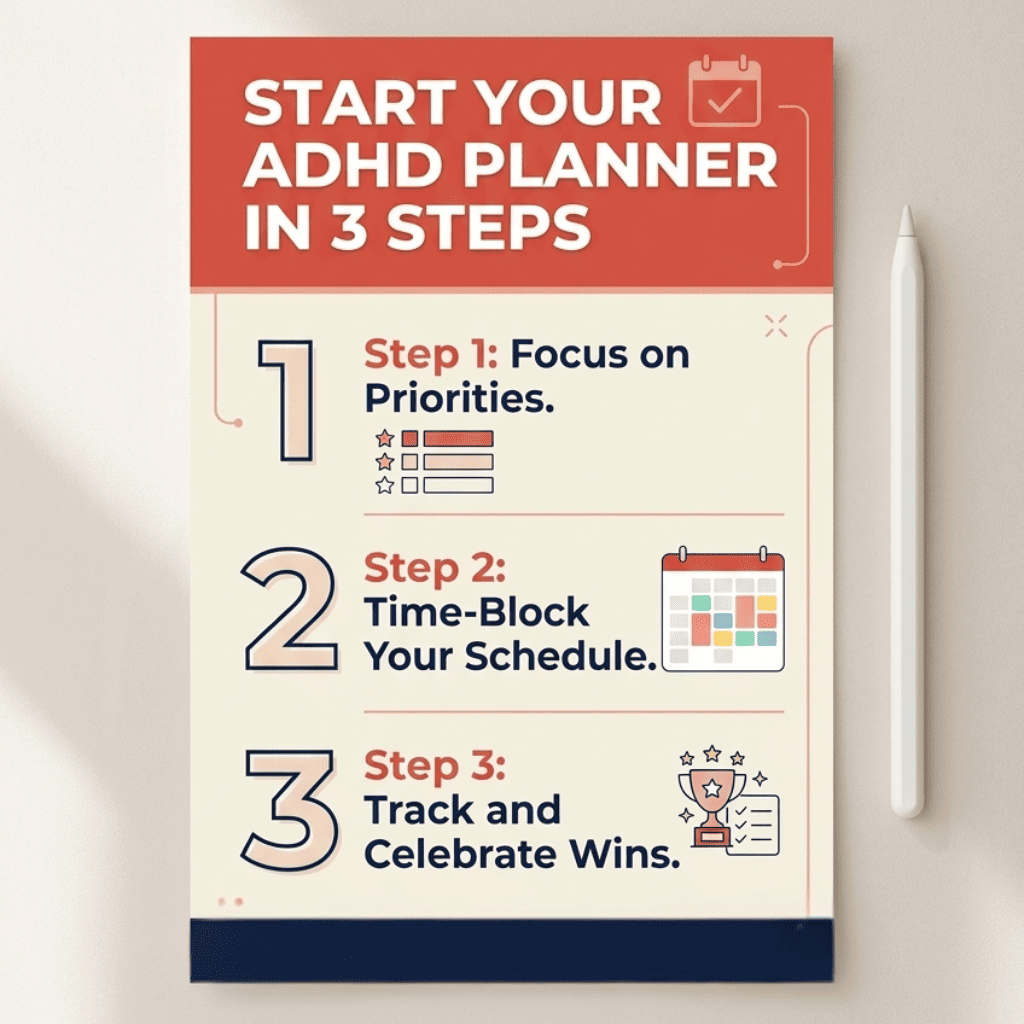
- Pick one view — Weekly or Daily, whichever feels less overwhelming
- Use it for 7 days with one simple goal: open it once a day
- Keep it light — 1 to 3 priorities is plenty
That’s it. You don’t need a perfect system. You need one that’s easy to return to.